Open Connect your AI in your investor account, copy the server address and add SeedForge in your AI’s connection settings.
The connection uses MCP, a way for your AI to ask SeedForge for startup information. You can use it to find startups and keep track of companies you choose to follow.
Connect your account
Sign in to your investor account at seedforge.com/app.
Open Connect your AI and choose the guide for your assistant.
Copy the Server address shown on that page.
Add the address in your assistant's connector settings, then sign in to SeedForge when prompted.
Return to SeedForge and check the connection status. Use Check again if it is still waiting.
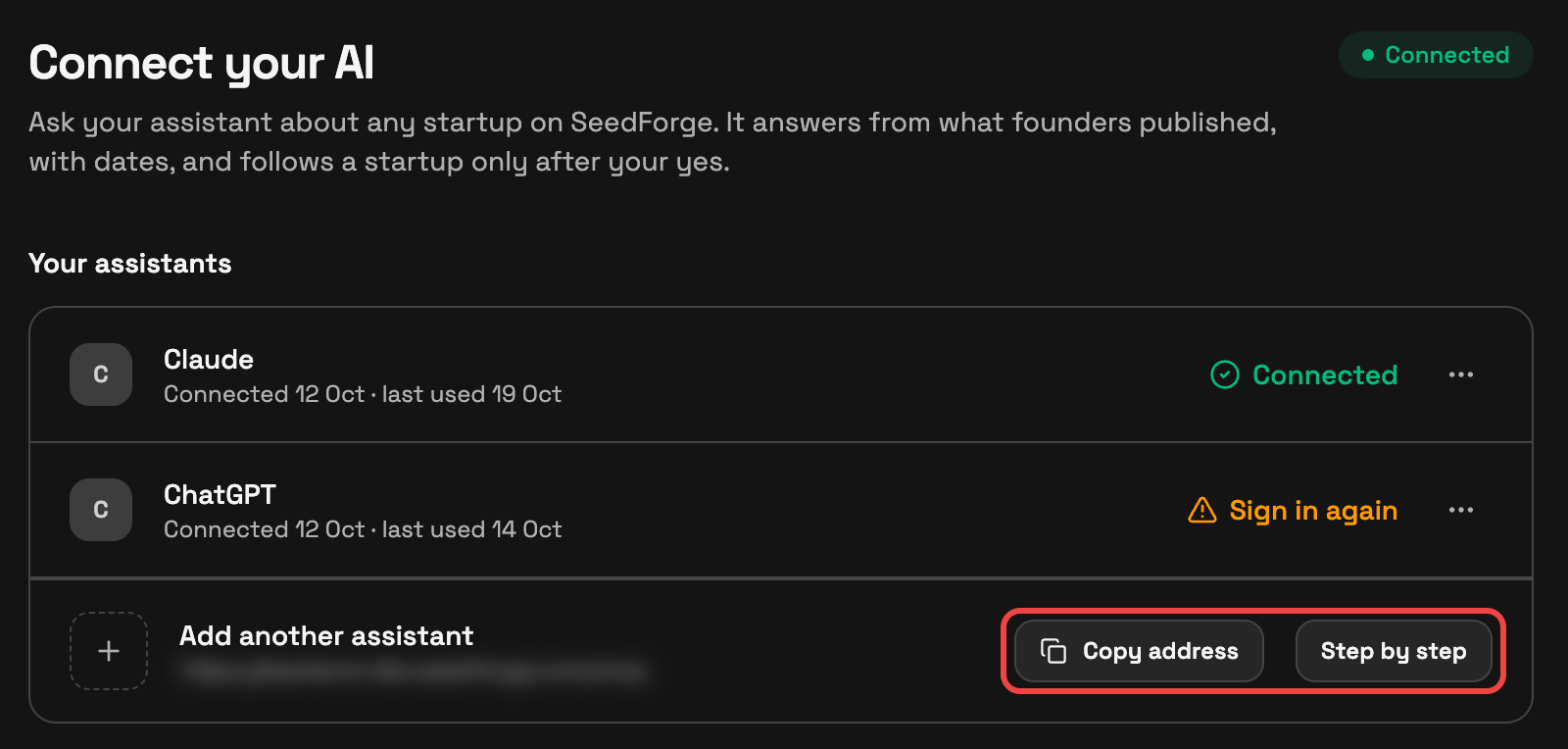
Your assistant may need a workspace administrator to add a custom connection. Follow the guide shown in SeedForge for the assistant you use.
Try a first question
Ask your AI to find a startup in a sector you know, or give it a founder's SeedForge profile link. Ask it to read the available material and show the sources behind its answer.
While your account check runs, search is available.
Follow from your AI
Tell your AI which startup to follow and whether you want material updates or a condition. Your AI should ask for your agreement before starting the follow.
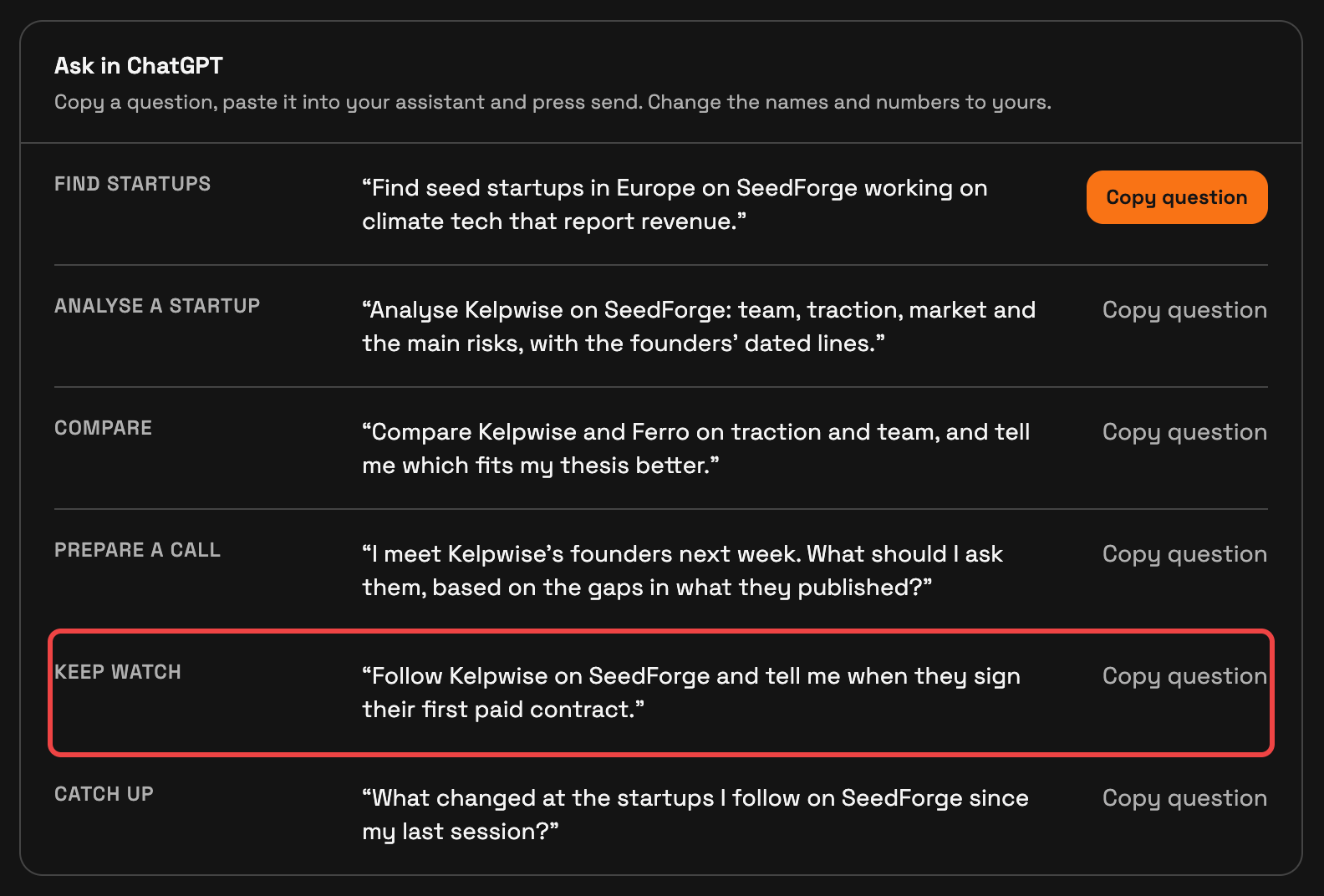
Founders see that you follow. Your condition stays private.
Check Following in SeedForge after confirming. If the AI cannot follow a startup reached through a founder's link, open that link in your investor account and use its Follow button.
Saving your AI's read keeps its analysis for you.
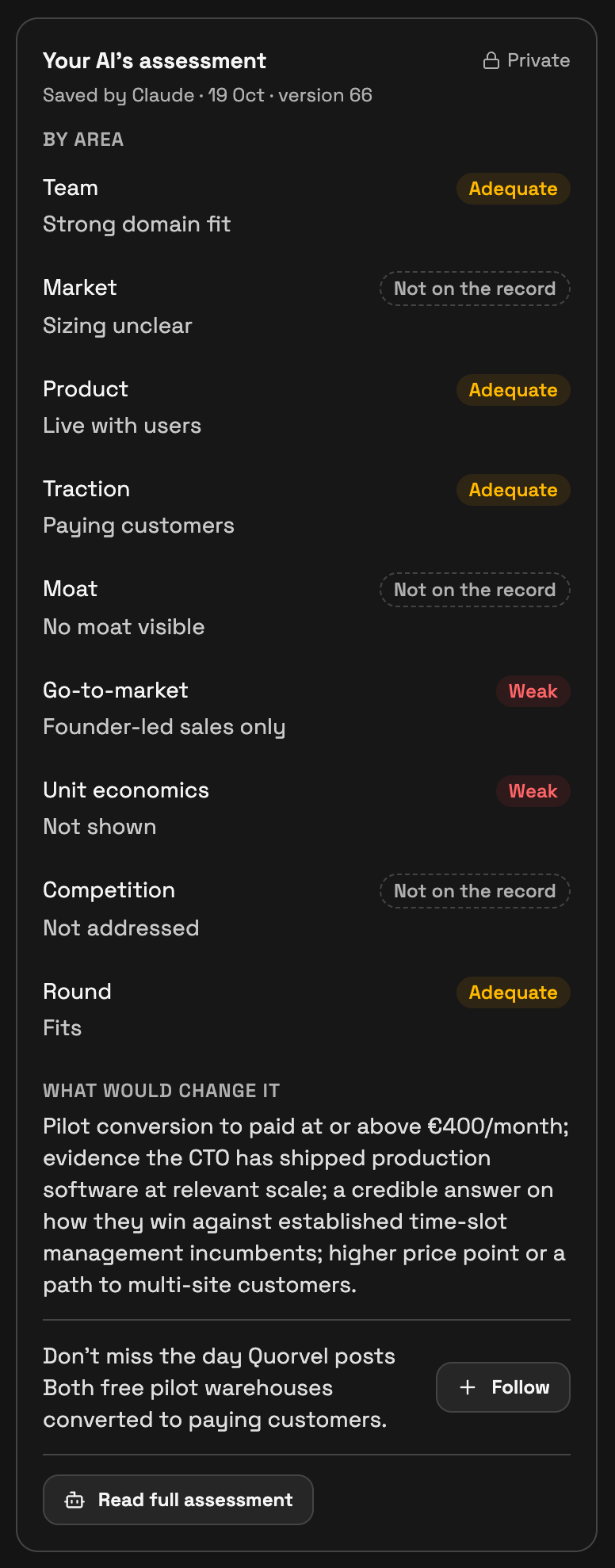
A pass keeps your decision. You choose a follow separately when you want future updates.
Read later updates
Ask your AI to check your followed startups for updates. The AI retrieves them when asked; email and the investor app provide the other update channels. Every follow has these channels, including free follows.
Quick answers
Can I connect while my account check is running?
Yes. You can set up the connection and search while the check runs.
Will saving a read start a follow?
Saving a read keeps the analysis. A follow is a separate choice.
Can I use a founder’s profile link?
Yes. Give the link to your connected AI as the starting point for your question.
For help, email support@seedforge.com.