SeedForge views an investor's profile, likes one of their posts, sends a connection request and, once they accept, sends the messages you approved.
Review the sequence for your connected account:
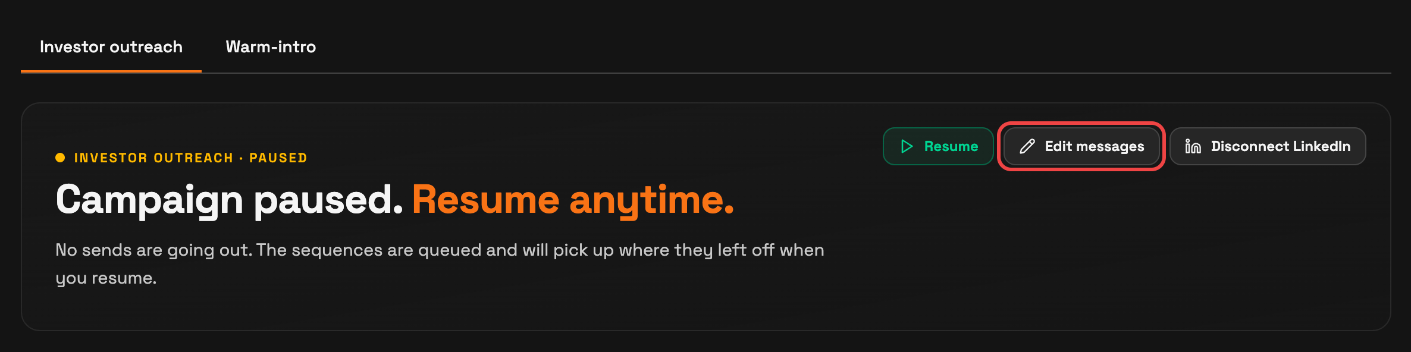
Review your messages. Open Profile > Share your Profile > SeedForge Outreach > Investor outreach and choose Edit messages.
Check the sequence. At most 20 a day, within the sending window.
Review the connection note. Check the note and account settings before approving your messages.
Sends your approved messages. Once the investor accepts, your approved messages go out over the following days, and stop the moment they reply.
Review waiting contacts. Contact support if a contact remains waiting and you need help checking the campaign.
New campaigns default to Monday to Friday, 10:00 to 18:00 CET in winter and 11:00 to 19:00 CEST in summer. Existing campaigns can use a different schedule. Contact support to check your campaign’s sending window and account limits.
Note: Run one automation tool only. A second tool on the same account risks restrictions, and your own manual LinkedIn activity counts toward the same daily totals.
Quick answers
Does SeedForge post or comment from my account?
No. SeedForge views profiles, likes one post per investor, sends connection requests, and sends messages you approved. It never posts, comments, or messages anyone you have not approved.
How many connection requests does SeedForge send per day?
Contact support to check your campaign’s sending window and account limits.
Do I choose which investors SeedForge contacts?
Yes. Before launch you approve or decline each investor, or approve all at once. SeedForge contacts only the people you approved.
For help, email support@seedforge.com.