The AI Session is a spoken conversation with an AI agent that asks the startup-specific questions VCs usually cover on a first call. The optional AI Session adds your recorded answers to the material SeedForge can analyse. Your first AI Session is free.
How the session works
You talk, the agent listens and asks follow-up questions. Allow about 30 uninterrupted minutes for the session.
Use English for the session. Contact support before starting if you need another language.
Note: plan an uninterrupted block of time. A session that disconnects is lost and cannot be resumed.
What it adds to your profile
A completed session adds your answers to the material SeedForge can analyse. It also adds:
Pitch Recording: a video of your session that investors can watch from your profile.
Risks & Open Questions: analysis built from your answers, shown on SeedForge's Feedback, where only you see it.
You stay in control. You can hide it from any link at any time by switching off AI Session in that link's settings. Followers also see it until you switch it off in Profile > Your followers > Privacy settings.
After analysis finishes, check SeedForge's Feedback for the latest score and findings. The score can stay the same.
Why you should do it
The optional AI Session adds your recorded answers to the material you can share.
The session is optional. You can choose it when you want to add your own answers to the deck and documents.
How to start a session
Open AI Session. Open Proof > AI Session.
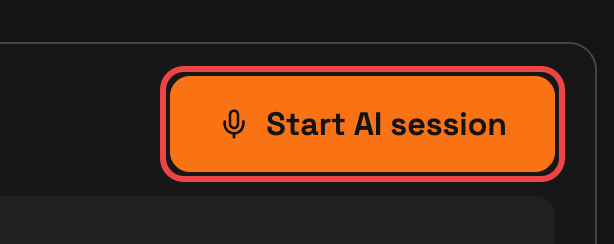
Start the session. Review the data sources on the AI Session page, then click Start AI session.
Quick answers
How long does the AI Session take?
Allow about 30 uninterrupted minutes for the session.
How much does the AI Session cost?
Your first AI Session is free. Extra AI Sessions are $25 each.
What language is the AI Session in?
Use English for the session. Contact support before starting if you need another language.
For help, email support@seedforge.com.